
UPDATE: I WAS WRONG. I ABSOLUTELY LOVE THIS DEVICE. NEW REVIEW COMING SOON.
1. Introduction
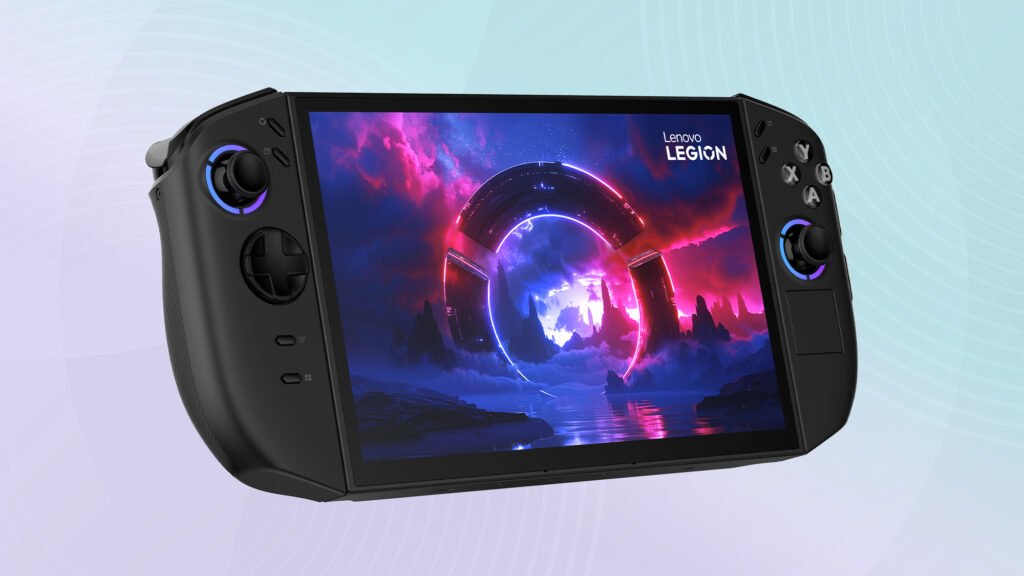
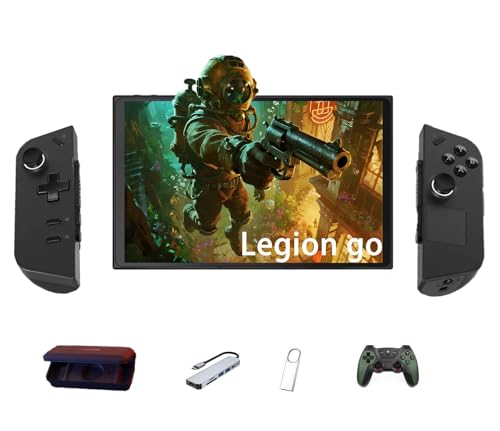
The Lenovo Legion Go 2 is one of the most talked-about handheld gaming devices of the year. With an OLED screen, Ryzen power, detachable controllers, and Windows 11 flexibility, it looks like the ultimate portable gaming PC on paper. But here’s the truth:
It is NOT worth $1,200 to $1,400 at full price.
I’m saying that confidently after comparing it to real alternatives, using it, and evaluating it from a value perspective—not hype. Too many YouTubers push products because they got them for free. Too many written reviews avoid the truth. So let’s keep it real:
- You can’t run most AAA games on high settings without major frame drops
- Its price is higher than an actual gaming PC or laptop with better performance
- The Legion Go 1 costs around $500 used/open box and delivers nearly the same real-world performance
- Windows 11 still sucks on handheld devices
- The OLED screen doesn’t justify the massive price gap
- Thermal control and battery still aren’t good enough for premium pricing
This review isn’t sponsored. Nobody sent me a free unit. I don’t care about hype — I care about the truth. If you’re thinking about buying the Legion Go 2, read this review first. You deserve a real breakdown before spending laptop money on a handheld.
2. Specs Overview
Before we break it down, here are the key specs of the Lenovo Legion Go 2:
| Component | Specification |
|---|---|
| CPU/APU | AMD Ryzen Z1 Extreme |
| GPU | RDNA 3 Graphics |
| RAM | 16GB LPDDR5X (soldered) |
| Storage | 512GB / 1TB NVMe SSD |
| Display | 8.8” OLED Touchscreen |
| Resolution | 2560 × 1600 |
| Refresh Rate | 144Hz |
| OS | Windows 11 Home |
| Battery | 49.2Wh |
| Weight | 854g (heavy) |
| Price | $1,199–$1,399 MSRP |
On paper, it looks like a monster. But performance on paper doesn’t matter—real-world gaming does.
3. Design and Build Quality
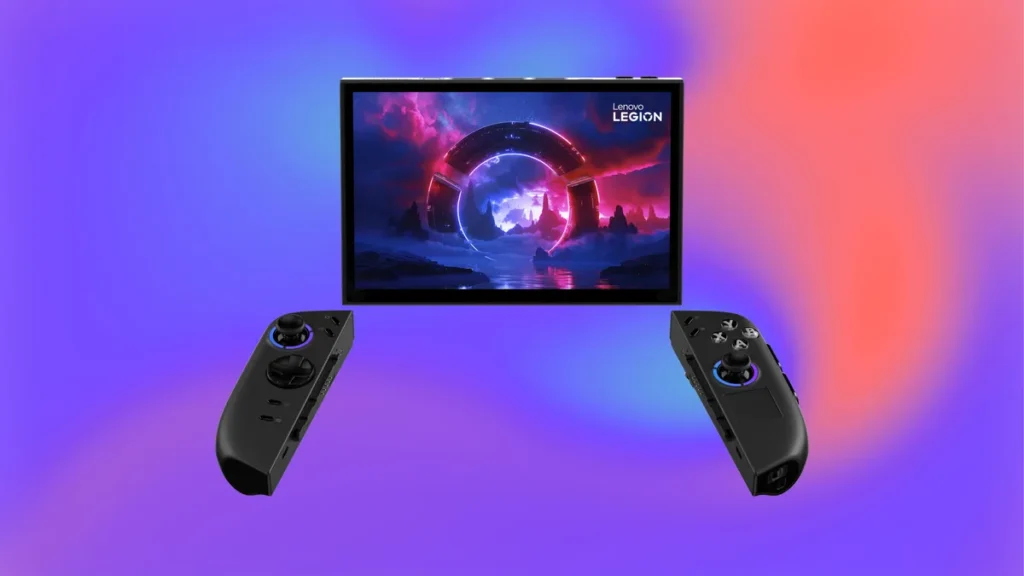
I’ll give Lenovo credit: this device looks and feels premium. It’s solid, durable, and has a confident gaming design. The detachable controllers, built-in kickstand, and portability idea are all excellent in concept. The build is a huge step forward from the original Legion Go.
But there’s a big issue: it’s heavy.
At nearly 2 pounds, long handheld sessions get tiring fast. This isn’t the kind of device you can casually hold in bed or travel with comfortably for long gaming sessions. The detachable controllers help a little, but the weight is still a real downside.
4. Display – OLED Is Nice, But Not $900 Nice
The screen is honestly one of the best features of the Legion Go 2. OLED brings deep blacks, richer contrast, and better colors than the original model. It’s gorgeous for games like Cyberpunk 2077, Elden Ring, or Forza Horizon.
But here’s the problem…
OLED doesn’t fix performance problems.
OLED doesn’t justify weak value.
OLED alone is NOT worth a $400 price upgrade from the Legion Go 1.
For $1,400, this thing needs to both look good AND perform good—but it only nails one of those.
5. Performance – Strong Specs, But You Can’t Use Them
This is where the Legion Go 2 loses me completely.
Yes, it has the Ryzen Z1 Extreme processor. Yes, it has RDNA 3 graphics. Yes, Windows gives you access to more games than SteamOS. That all sounds nice—until you actually try to turn up the graphics in modern games.
Even in Performance Mode, you cannot run modern AAA games on High or Ultra settings without unstable frame rates, overheating, and battery drain. You’re often forced to use:
- Medium settings just to stay playable
- Upscaling (FSR) to hit smooth FPS
- Lower resolutions to avoid thermal throttling
And honestly—paying $1,400 to play on Medium settings is a joke. For that price, you can buy a real gaming PC and enjoy Ultra settings at 1440p or 4K.
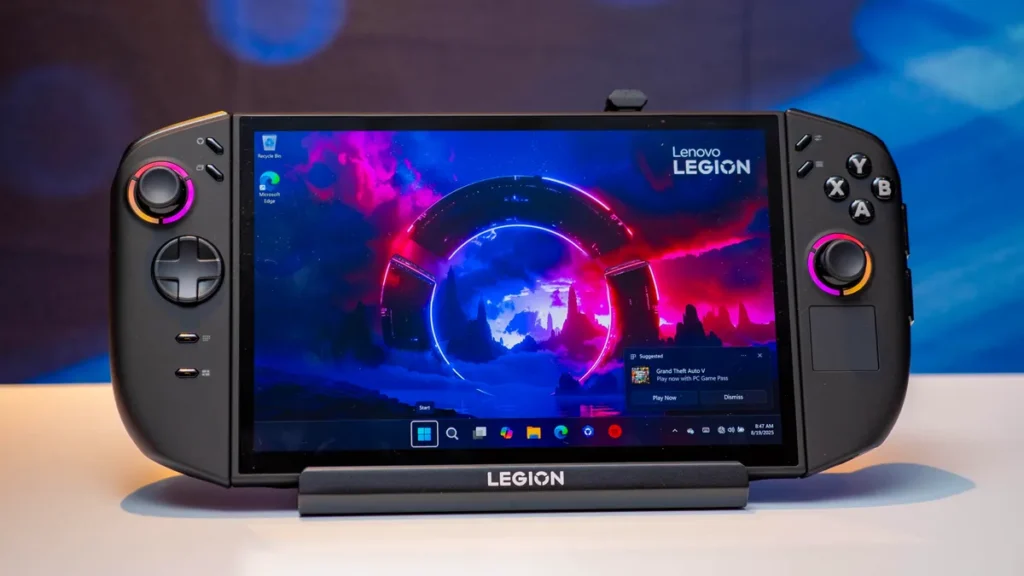
6. Windows 11 on Handheld – Still a Mess
Look, people hype Windows handhelds because of “game compatibility.” And yes, Windows technically runs everything. But what nobody tells you is this:
- Windows isn’t made for handheld controls
- System updates interrupt gameplay
- On-screen navigation is clunky
- Touch optimization is bad
- You constantly fight menus, cursor issues, pop-ups
- Anti-cheat errors, driver conflicts — it’s not plug-and-play at all
If you want a console-like experience, this is not it. It feels like using a tiny Windows laptop with joystick problems.
7. Battery Life – Portable but Not Practical
Battery life is still one of the biggest weaknesses of Windows-based handhelds, and the Legion Go 2 is no exception. If you’re expecting Nintendo Switch-like endurance—forget it. With real games, real settings, and real performance:
| Usage Type | Battery Life |
|---|---|
| AAA gaming (Performance Mode) | 45–70 minutes |
| Medium settings gaming | 1.5–2 hours |
| Indie/Retro games | 3–5 hours |
| Streaming/Game Pass | 4–6 hours |
What does that mean in real life?
- You’re stuck to a charger most of the time
- Portable gaming isn’t truly portable
- Long sessions aren’t realistic without power access
For $1,400, battery life shouldn’t feel like a limitation—but it does.
8. Heat and Fan Noise
Another major issue is heat. Even with the updated cooling system, handheld gaming pushes the hardware hard, and you will feel it. Under load:
- The back gets noticeably warm
- Fans kick in loudly in Performance Mode
- Extended use can cause thermal throttling
- Comfort drops fast during intense sessions
It never hits dangerous heat levels, but again: premium price should not come with obvious compromises like this.
9. Price vs Value – The Real Dealbreaker
Now we get to the main reason this device isn’t worth it: value for money.
The Lenovo Legion Go 2 starts around $1,199 and goes up to $1,399 depending on configuration. That means you’re paying the same price as a full gaming laptop or a custom gaming PC.
For comparison:
| Device/Product | Price | Real Performance |
|---|---|---|
| Legion Go 2 | $1,200–$1,400 | Medium settings handheld gaming |
| Legion Go 1 (Used/Open Box) | ~$500–$600 | About 75–80% of Go 2 performance |
| Steam Deck OLED | $549–$649 | Great performance + best user experience |
| ASUS ROG Ally X | $799–$899 | Better price-to-performance |
| Gaming Laptop (RTX 4060) | $899–$999 | 1080p Ultra gaming |
| Custom Gaming PC | $900–$1,100 | 1440p High/Ultra gaming |
So let me ask the real question everyone should be asking:
Why would anyone spend $1,400 for handheld “medium settings” when that same money buys an actual gaming machine?
Answer: They shouldn’t. And that’s why this device is overpriced.
10. Legion Go 2 vs Legion Go 1 – Honest Comparison
If you already own the Legion Go 1, don’t upgrade. If you’re considering buying the Go 2, you should strongly think about getting the Go 1 used instead.
| Category | Legion Go 1 | Legion Go 2 |
|---|---|---|
| Price | $500–$600 used | $1,200+ |
| Screen | IPS 1440p | OLED 1600p |
| Performance | Strong | Slightly stronger |
| Battery | Similar | Similar |
| Value | Excellent | Poor |
The performance difference isn’t large enough to justify the insane price jump. The Go 2 isn’t $700–$900 better than the Go 1. It just isn’t.
11. Legion Go 2 vs Steam Deck OLED
The Steam Deck OLED is still the best handheld for most people, period. It costs half as much, has an OLED screen, gets better software support, has better battery optimizations, and feels like an actual gaming console.
| Category | Legion Go 2 | Steam Deck OLED |
|---|---|---|
| Price | $1,200–$1,400 | $549–$649 |
| Display | OLED | OLED |
| OS | Windows (messy) | SteamOS (optimized) |
| Ease of Use | Complicated | Simple |
| Battery | Weak | Better |
| Value | ❌ Overpriced | ✅ Best for money |
The Go 2 tries to flex power but gets destroyed on value.
12. Legion Go 2 vs ROG Ally X / MSI Claw
This comparison is closer, but even here—the Legion Go 2 struggles to justify its price.
| Category | Legion Go 2 | ROG Ally X |
|---|---|---|
| Price | $1,200+ | $799–$899 |
| GPU | RDNA 3 | RDNA 3 |
| Screen | OLED | IPS (but cheaper) |
| Software | Windows 11 | Windows 11 |
| Value | ❌ Weak | ✅ Better |
Unless you REALLY love detachable controllers and a slightly bigger display, there’s zero reason to choose the Legion Go 2 over the Ally X for $400 less
13. Who Shouldn’t Buy the Legion Go 2
You should avoid the Legion Go 2 if:
- You want high graphics gaming – This device can’t handle Ultra settings.
- You hate Windows headaches – This thing constantly fights you with pop-ups and updates.
- You want good battery life – Be ready to sit near a charger.
- You want max performance per dollar – This is one of the worst value options in gaming right now.
- You are budget conscious – The Go 1, ROG Ally X, or Steam Deck OLED are smarter buys.
- You’re buying your first handheld – This is not beginner-friendly.
14. Who Might Still Consider It
The Legion Go 2 might make sense for you if:
- You specifically want a large OLED display for handheld gaming.
- You need Windows compatibility for mods/emulators/software.
- You are okay with medium settings gaming.
- You LOVE the detachable controller design.
- You don’t mind paying extra for build quality and screen experience.
- You’re willing to tweak settings and optimize to make games run smoother.
But even then—I’d only consider buying it on sale, used, or open box. At full price? No way.
15. Better Alternatives (If You’re Smart With Money)
Here are smarter options depending on your budget:
| Best Choice For | Device | Price |
|---|---|---|
| Best overall value | Steam Deck OLED | $549–$649 |
| Best price-to-performance | ASUS ROG Ally X | $799–$899 |
| Closest Go 2 alternative | Legion Go 1 (used/open box) | $500–$600 |
| Best budget PC gaming | Gaming laptop (RTX 4060) | $899–$999 |
| Best long-term setup | Custom gaming PC | $900–$1,100 |
16. Final Verdict
The Lenovo Legion Go 2 is a premium-priced handheld with mid-level practicality. The OLED screen is great. The detachable controllers are cool. The power is decent. But none of that justifies the inflated price.
This system doesn’t deliver a $1,400 gaming experience, and it still suffers from the same Windows handheld problems we’ve been dealing with for years—heat, battery drain, settings tweaking, and inconsistent performance.
Final Rating: 6.9/10
✅ Good device.
❌ Terrible value at full price.
Should you buy it?
❌ Not at full price.
✅ If you can find it used, open box, or under $850 max, then it becomes interesting.
✅ My Recommendation
If you really want a handheld gaming device, here’s the smart move:
✔️ Buy the Steam Deck OLED if you care about experience and convenience
✔️ Buy the ROG Ally X if you care about raw performance for less money
✔️ Buy the Legion Go 1 used and save hundreds—it’s still a beast for the price
✔️ Or skip handhelds and get a real gaming laptop or PC for the same money
Check out my article on why I would choose the Legion Go 2 over the XBOX Rog Ally X
What do you think?
If you already own the Legion Go 2—do you regret it or do you think it’s worth it? Drop a comment below. I’m curious how many people feel the same way once the honeymoon phase is over.